8 Best Monitors for Programming (October 2026)
The best monitors for programming put sharp text, vertical space and simple laptop docking ahead...
We research everything we recommend. When you buy through our links, we may earn a commission. As an Amazon Associate we earn from qualifying purchases.
Monitor Guides covers the technical literacy side of display shopping, translating panel type, response time, and sync technology into plain terms before a buying decision gets made. The recurring question is which panel type actually fits a given priority: IPS panels lead on color accuracy and viewing angles, VA panels trade some of that for deeper contrast, and TN panels sacrifice both for the fastest response times, a tradeoff that matters differently for a competitive shooter versus a game with rich, dark environments. Response time and refresh rate get confused often despite measuring different things, response time being how fast a pixel changes color and refresh rate being how many times the image updates per second, and a high refresh rate paired with a slow panel can still show visible ghosting. Adaptive sync technology, G-Sync versus FreeSync, is another frequent point of confusion, since compatibility now crosses over between AMD and Nvidia GPUs more than it used to, making the vendor label less useful than checking the specific certification tier a monitor carries. HDR support on PC remains inconsistent enough across monitors and Windows itself that a monitor’s HDR badge doesn’t guarantee a good HDR experience without checking peak brightness and local dimming zones. Start with panel type based on genre priority, then verify sync compatibility with the specific GPU in use. IPS Vs VA Vs TN Panels Compared and Gsync Vs Freesync Compared cover the two most consequential decisions.
The best monitors for programming put sharp text, vertical space and simple laptop docking ahead...

The best travel monitor for laptop users in October 2026 is the ARZOPA Z3FC. It...
The best monitor stands for a better desk setup are the ones that match your...
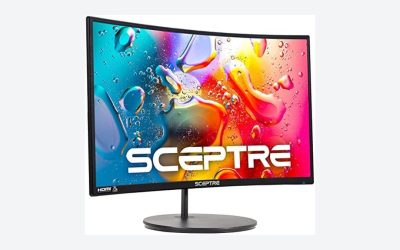
Your first gaming monitor needs four things to be right: panel size matched to your...
Match monitor size to viewing distance and resolution with exact desk-distance charts for 24, 27, 32 and ultrawide gaming monitors.
Set up dual monitors for gaming step by step, from cabling and GPU output limits to matching refresh rates and fixing common alignment problems.
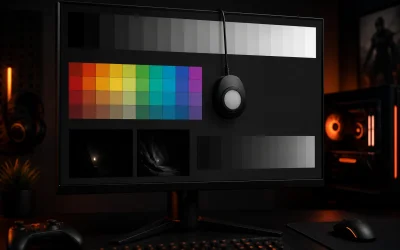
Calibrate a gaming monitor step by step: brightness, gamma, color temp and gamut targets that fix washed-out or oversaturated images fast.
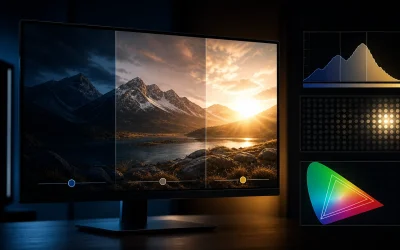
HDR on PC explained: what VESA DisplayHDR tiers actually mean, why HDR often looks worse than SDR, and the settings that fix it.
Best HDR gaming monitor: 8 panels from $85 to $269 rated on real HDR brightness, not just signal compatibility.
Refresh rate and response time explained: what Hz and ms numbers actually mean, how they differ, and which one fixes ghosting or blur.