
On paper, the best monitor for Valorant is a 24- to 25-inch 1080p IPS screen running at 240Hz or more, because the game is light enough for most gaming PCs to feed it and the smaller panel keeps the minimap and crosshair area inside one glance. Five of the eight listings below fit that description. The ASUS TUF VG259QM5A and Gigabyte G25F2A look strongest for specs per dollar, the Dell SE2426HG is the low-cost entry, and the Amzfast promises the highest refresh. Two curved Sansui models and a 27-inch Dell are included for completeness, and we explain why they are weaker fits.
Our Top Picks
 Amzfast 25 Inch White Gaming Monitor 320Hz/300Hz/240Hz25 Inch8.66 x 21.93 x 17.01 inchesCheck on Amazon
 GIGABYTE G25F2A 24.5" SuperSpeed IPS FHD Gaming MonitorFhd 240Hz7.38 x 19.62 x 21.93 inches13.2 PoundsCheck on Amazon
Eight Valorant screens compared on paper

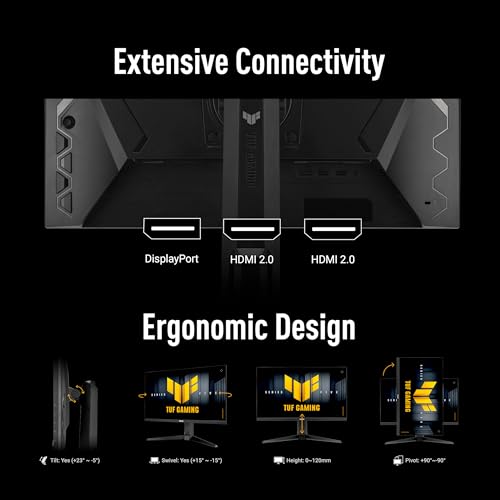
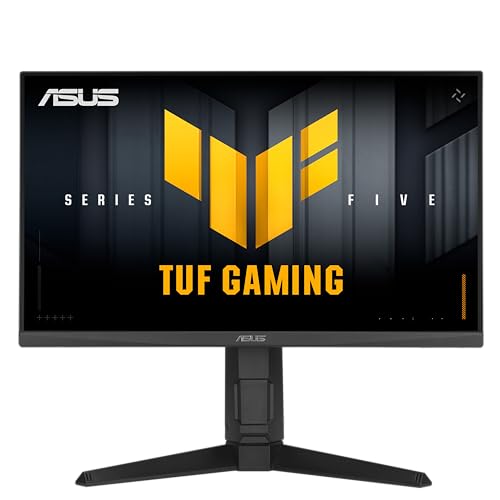
ASUS TUF Gaming VG249QML5A 24 Inch 1080p 240Hz G-SYNC Gaming Monitor | ELMB Sync, FreeSync Premium, Gaming AI, Fast-IPS, 0.3ms, 99% sRGB,Extreme Low Motion Blur Sync, Ergonomic Stand,3yr warranty,




As an Amazon Associate we earn from qualifying purchases. Product prices and availability are accurate as of the date/time indicated.
Amzfast 25 Inch White Gaming Monitor 320Hz/300Hz/240Hz, FHD 1080P 1ms Fast IPS Monitor, 12 Months Warranty (DP Cable) TÜV Rheinland Eye Care | AI Crosshair, Night Vision Function, AMZG25F6F




As an Amazon Associate we earn from qualifying purchases. Product prices and availability are accurate as of the date/time indicated.

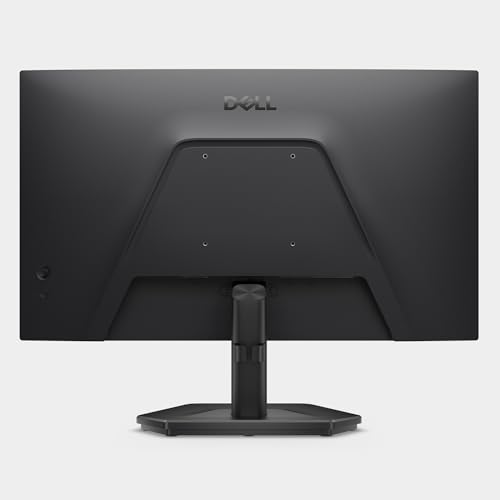
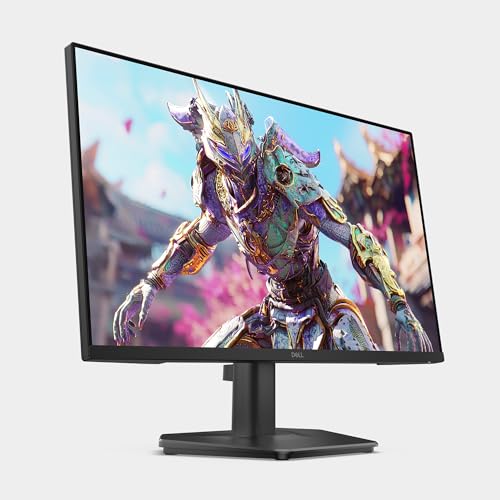
Dell 24 240Hz Gaming Monitor - SE2426HG - 23.8-inch FHD (1920x1080) 240Hz Display, in-Plane Switching (IPS) Technology, AMD FreeSync™ Premium, TÜV 3-Star, 2X HDMI, DisplayPort 1.4, Tilt


As an Amazon Associate we earn from qualifying purchases. Product prices and availability are accurate as of the date/time indicated.
Dell 27 240Hz Gaming Monitor - SE2726HG - 27-inch FHD (1920x1080) Display, in-Plane Switching (IPS) Technology, AMD FreeSync Premium, TÜV 3-Star, 2X HDMI, DisplayPort 1.4, Tilt
As an Amazon Associate we earn from qualifying purchases. Product prices and availability are accurate as of the date/time indicated.
GIGABYTE G25F2A 24.5" SuperSpeed IPS FHD Gaming Monitor | Black, FHD 1920x1080, 240Hz, 1ms GTG, HDMI, DP, AMD Freesync Premium, Height and Tilt Adjustable


As an Amazon Associate we earn from qualifying purchases. Product prices and availability are accurate as of the date/time indicated.

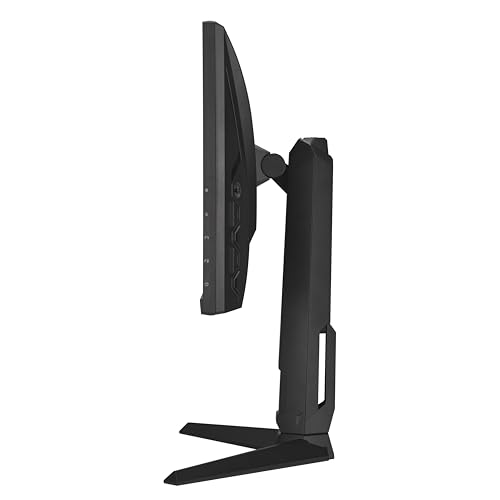
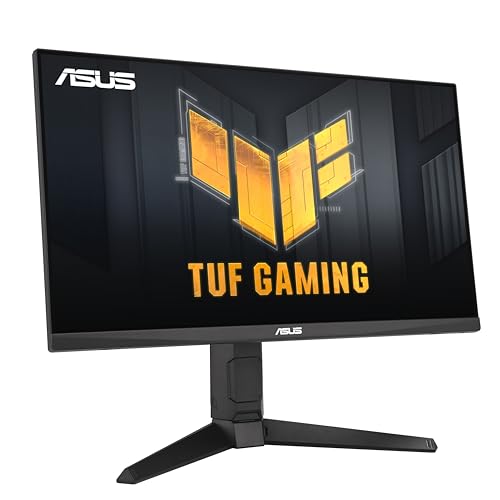
ASUS TUF Gaming VG259QM5A 25 Inch 1080p 240Hz G-SYNC Gaming Monitor | FreeSync Premium, ELMB Sync, Gaming AI, G-SYNC Compatible, DisplayWidget Center, Fast-IPS, 0.3ms, 99% sRGB, 3yr warranty



As an Amazon Associate we earn from qualifying purchases. Product prices and availability are accurate as of the date/time indicated.

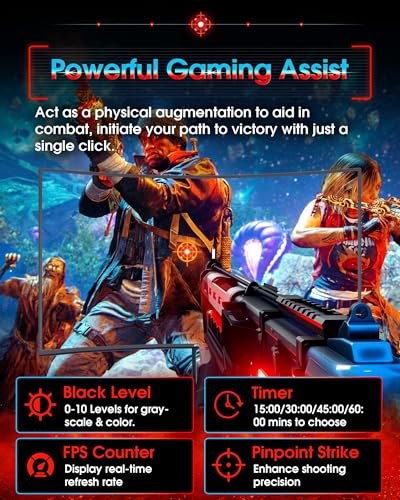
SANSUI 27 Inch Curved 240Hz Gaming Monitor FHD 1080P, 1500R Curve Computer Monitor, 130% sRGB, 4000:1 Contrast, HDR, FreeSync, MPRT 1Ms, Low Blue Light, HDMI DP Ports, Metal Stand, Cable Incl.




As an Amazon Associate we earn from qualifying purchases. Product prices and availability are accurate as of the date/time indicated.

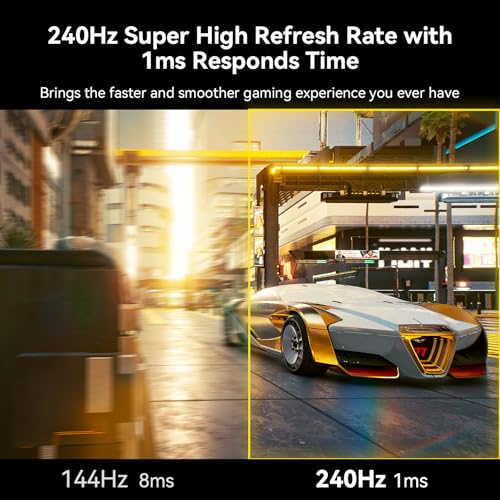
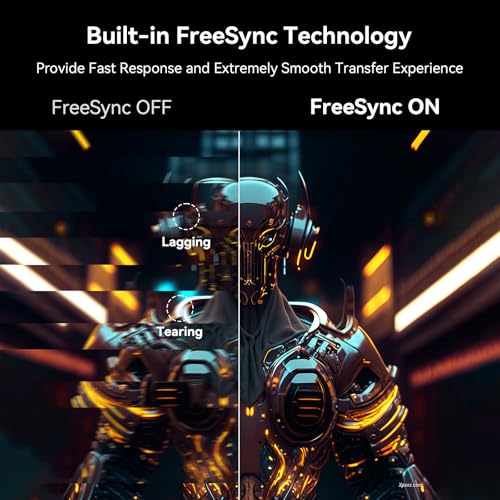
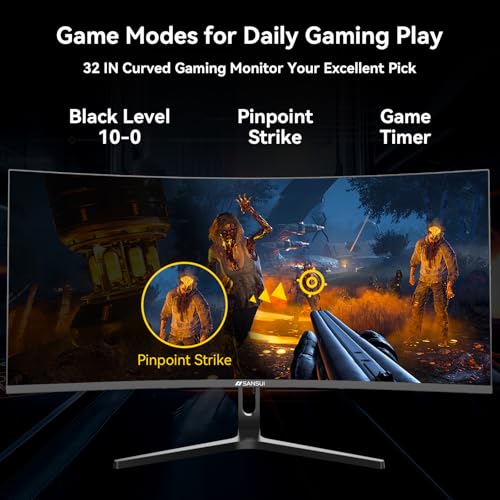
SANSUI 32 Inch Curved 240Hz Gaming Monitor High Refresh Rate, FHD 1080P | Gaming PC Monitor HDMI DP1.4, 1500R Curvature, 1Ms MPRT, HDR,Metal Stand,VESA Compatible(DP Cable Incl.)




As an Amazon Associate we earn from qualifying purchases. Product prices and availability are accurate as of the date/time indicated.
| Model | Key point from title | Price tier | Best for |
|---|---|---|---|
| ASUS TUF VG259QM5A | 25-inch 1080p, 240Hz, Fast IPS, 0.3ms claim, 3-year warranty | Mid-range | Ranked play with a brand warranty |
| ASUS TUF VG249QML5A | 24-inch 1080p, 240Hz, Fast IPS, named ergonomic stand | Premium | Players who want the smaller screen |
| Gigabyte G25F2A | 24.5-inch 240Hz SuperSpeed IPS, height and tilt | Budget | Best value on paper |
| Dell SE2426HG | 23.8-inch 240Hz IPS, FreeSync Premium, tilt only | Budget | Cheapest entry to 240Hz |
| Amzfast AMZG25F6F | 25-inch, 320/300/240Hz listed, 1ms, DP cable | Mid-range | Chasing the highest refresh claim |
| Dell SE2726HG | 27-inch 1080p 240Hz IPS, tilt only | Mid-range | Large screen, relaxed play |
| SANSUI 27-inch curved | 1500R, 240Hz, 1080p, MPRT 1ms, metal stand | Mid-range | Casual play, curve fans |
| SANSUI 32-inch curved | 32-inch 1080p, 240Hz, 1500R, VESA | Premium | Casual and media use, not ranked |
The picks, from competitive fits to casual extras
ASUS TUF Gaming VG259QM5A
At 25 inches with 1920×1080, 240Hz, Fast IPS, a 0.3ms claim and 99% sRGB, this is the cleanest match to the Valorant brief. The title lists both G-SYNC and G-SYNC Compatible, and the second wording is the safer assumption, so confirm on the listing. ELMB Sync is ASUS’s motion-blur-reduction mode; strobing modes of this kind commonly lower brightness, so check the manual for any limits. A three-year warranty is named, and the terms are worth confirming on the seller page before purchase.
Pros
- Right size and refresh for ranked play
- Three-year warranty named
- 99% sRGB claim and Fast IPS
Cons
- Stand details not in the title
- 0.3ms is a best-case seller figure
- “Gaming AI” feature is undefined in the title
Who it’s for: players who want the mainstream-brand version of a 25-inch 240Hz screen.
ASUS TUF Gaming VG249QML5A
Almost a twin of the VG259QM5A, shrunk to 24 inches and with an ergonomic stand named in the title. Same 1080p, 240Hz, Fast IPS, 0.3ms claim, 99% sRGB, ELMB Sync, FreeSync Premium and three-year warranty. In our price data it sits in a higher tier than the 25-inch sibling, so the stand and slightly denser pixels are the only things the extra money obviously buys. If the two prices are close when you check, either is a reasonable choice; if the gap is large, take the 25-inch model.
Pros
- Ergonomic stand named
- Slightly sharper at 24 inches
- Same warranty and sync features as its sibling
Cons
- Costs more than the 25-inch model in our data
- Smaller canvas for those who like more room
- Seller response figures only
Who it’s for: players with a shallow desk who sit close and want the densest pixels in the set.
GIGABYTE G25F2A
Gigabyte’s listing gives you a 24.5-inch SuperSpeed IPS panel, 1920×1080 at 240Hz, a 1ms GTG claim, HDMI, DisplayPort, FreeSync Premium and height plus tilt adjustment, all at the lowest tier. It does not mention a colour-coverage figure or warranty length, so verify both on the listing. For a budget Valorant setup, this is where specifications and stand versatility meet most cheaply. Buyers who mount on an arm will care less about the stand, and can treat this as a plain, inexpensive 240Hz panel.
Pros
- Lowest price tier in the set
- Height adjustment named
- HDMI and DisplayPort
Cons
- No warranty wording in the title
- No gamut figure stated
- Brand support depth unknown
Who it’s for: budget builders who want a proven size and refresh at the lowest outlay.
Dell SE2426HG
Dell lists 23.8 inches, 1080p, 240Hz IPS, FreeSync Premium, TÜV 3-Star, two HDMI inputs and DisplayPort 1.4, with tilt-only adjustment. The TÜV wording refers to a comfort certification, not a speed figure. The title gives no response time, so compare it against the Gigabyte’s 1ms claim before buying. It remains one of the two cheapest ways into 240Hz here, and the two HDMI inputs mean a console or streaming box can share the screen without swapping cables.
Pros
- Two HDMI ports plus DisplayPort 1.4
- Smallest screen in the set
- Low price tier
Cons
- Tilt-only stand
- No response figure in the title
- No warranty detail in the title
Who it’s for: first-time 240Hz buyers with a PC and a console to connect.
Amzfast AMZG25F6F
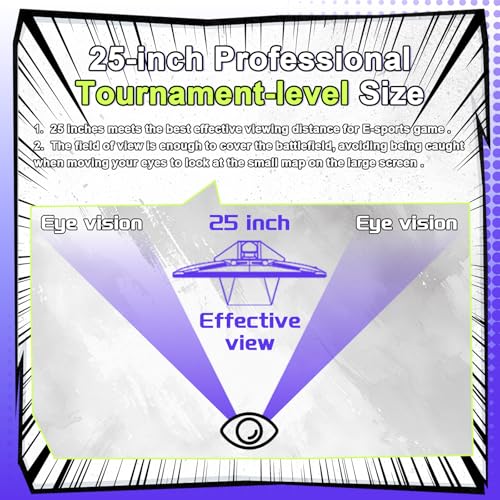
A 25-inch white Fast IPS panel listed at 320Hz, 300Hz and 240Hz, with a 1ms claim, a DisplayPort cable included, a 12-month warranty and extras called AI Crosshair and Night Vision. The three refresh numbers are ambiguous: they may be separate modes or overclock steps, so confirm which is native. At 320Hz the raw 1080p stream is about 15.9 Gbps, above older HDMI limits, so use the DisplayPort cable. White is the only colour mentioned, which suits light desks but not everyone, so check the listing photos.
Pros
- Highest refresh claim in the set
- DisplayPort cable included
- 25-inch size fits the brief
Cons
- Native refresh rate unclear in the title
- Warranty is shorter than the ASUS
- Overlay features may not suit league rules
Who it’s for: tinkerers who want to try 300Hz-plus and will check which mode is native.
Dell SE2726HG
The same family as the SE2426HG, but 27 inches at 1920×1080: roughly 82 pixels per inch against about 93 on the 23.8-inch sibling. IPS, 240Hz, FreeSync Premium, two HDMI inputs, DisplayPort 1.4 and a tilt-only stand are named. For Valorant, the larger screen means more eye travel to the minimap, so it is a weaker fit unless you sit further back. The 24-inch sibling costs less in the same line, so only pick this one if screen size is the point.
Pros
- IPS at 240Hz on a bigger screen
- Three video inputs
- Mid-range price tier
Cons
- Softer pixels than the 24-inch models
- More eye travel to the minimap
- Tilt-only stand
Who it’s for: players who split time between Valorant and watching video from a longer distance.
SANSUI 27 Inch Curved 240Hz
A curved 27-inch 1080p screen at 240Hz with a 1500R curve, FreeSync, HDR wording, a 130% sRGB claim, 4000:1 contrast, MPRT 1ms and a metal stand. The title does not name the panel type, so check the listing. MPRT is a motion-blur-mode figure, not the same as GtG response, and HDR here is an unverified label. Same size caveat as the Dell 27, since 1080p stretched over 27 inches looks softer than on a 24-inch screen. Curve and size are style choices here, not competitive advantages.
Pros
- Low-cost 240Hz at 27 inches
- Metal stand named
- FreeSync supported
Cons
- Panel type not named in the title
- Curve may bend straight lines
- MPRT figure is not comparable to GtG
Who it’s for: casual players who like a curved 27-inch screen and play for fun, not rank.
SANSUI 32 Inch Curved 240Hz
This is plainly the wrong class for competitive Valorant. A 32-inch 1080p panel drops to about 69 pixels per inch, so edges look coarse, and the screen is wide enough that you would turn your head to find the minimap. It lists 240Hz, HDMI, DisplayPort 1.4, 1500R curvature, MPRT 1ms, HDR wording and VESA compatibility. It suits movies and casual games better than ranked play. Check the VESA pattern and the listed weight if you plan to mount it, because a 32-inch panel is heavy for light arms.
Pros
- Large canvas for movies and casual games
- VESA compatible
- DisplayPort 1.4 included
Cons
- Coarse pixel density at 1080p
- Too big for quick minimap glances
- Weaker fit for this keyword
Who it’s for: buyers who want one big curved screen for media and light gaming.
How we picked these
The Editorial team built this list from published specifications, manufacturer documentation and buyer reviews. Nobody on the team used or measured these units. We prioritised 1080p panels from 23.8 to 25 inches at 240Hz or more, then added three larger or curved listings so you can see where they fall short. Titles are written by sellers, so figures such as 0.3ms, 1ms and MPRT are treated as claims. Tiers are relative inside this set. Where a title leaves out stand type, warranty or panel type, we tell you to check the listing rather than fill the gap with a guess.
What to look for in a Valorant monitor
Frame time: what each step of refresh rate buys
Divide 1000 by the refresh rate to get the time between frames. The figures below are simple arithmetic, not measurements.
| Refresh rate | Time between frames | Saved versus previous step |
|---|---|---|
| 60Hz | 16.7ms | n/a |
| 144Hz | 6.9ms | 9.7ms |
| 240Hz | 4.2ms | 2.8ms |
| 300Hz | 3.3ms | 0.8ms |
| 320Hz | 3.1ms | 0.2ms |
| 360Hz | 2.8ms | 0.3ms |
Assume your PC averages 300 frames per second in matches; that is an assumption, since Valorant speed depends heavily on the processor and settings. A 240Hz panel then shows 240 of those frames. If your average is only 180, every step above 180Hz is idle. For higher tiers see our 27-inch 360Hz comparison or the 500Hz esports roundup.
Screen size and eye travel: a worked example
Assume you sit 24 inches from the screen. A 16:9 panel’s width is about 87% of its diagonal, so 24.5 inches is 21.4 inches wide and spans roughly 48 degrees of your view, a 27-inch screen is 23.5 inches wide and spans about 52 degrees, and a 32-inch screen is 27.9 inches wide and spans about 60 degrees. Pixel density falls in step: about 90 PPI at 24.5 inches, 82 at 27 and 69 at 32. Smaller screens keep the minimap closer to your central vision and look sharper at 1080p.
Panel type, response claims and overdrive
Fast IPS and similar IPS-class panels give consistent colour and wide viewing angles. Response times quoted as 0.3ms, 0.5ms or 1ms are usually best-case numbers at the strongest overdrive setting, and aggressive overdrive can cause bright trailing halos called overshoot. Read buyer comments on the exact model for that complaint, and pick a middle overdrive setting if you see it. MPRT figures describe a blur-reduction mode, not pixel transition speed.
Cables, features and league rules
The raw 1080p pixel stream is about 11.9 Gbps at 240Hz, 14.9 at 300Hz and 15.9 at 320Hz, against roughly 14.4 Gbps of usable data on older HDMI links, so use DisplayPort for anything above 240Hz. Treat crosshair overlays and night-vision modes as optional extras and check any tournament rules first. A budget Valorant monitor guide shows how little you need to spend to cover these basics.
Mistakes that cost Valorant players money
- Buying a 27- or 32-inch screen for ranked play and then struggling to scan the minimap.
- Paying for 300Hz or more on a PC that averages 200 frames per second.
- Leaving Windows at 60Hz after setup; always confirm the refresh rate in display settings.
- Believing a 0.3ms claim describes everyday use rather than a best-case setting.
- Picking the highest advertised refresh without checking which number is native.
- Ignoring the stand; a tilt-only base can leave the top edge below eye level and push you toward an arm.
- Assuming a bigger screen is an advantage; at 1080p it mostly lowers pixel density and lengthens the glance to the minimap.
- Chasing every extra feature; ELMB, crosshair and night-vision modes are optional, and a plain 240Hz IPS panel covers the essentials.
Verdict
The ASUS TUF VG259QM5A is the best on-paper match for ranked Valorant: the right size, 240Hz and a three-year warranty. The Gigabyte G25F2A is the value pick, with height adjustment at the lowest tier. The ASUS VG249QML5A is the premium choice only if you prefer 24 inches and a named ergonomic stand. The Amzfast suits experimenters who will confirm its native refresh. Treat the Dell 27 and the two Sansui screens as casual options rather than competitive ones, and recheck current price, stock and warranty text on each listing before you buy.
Frequently asked questions
Is 240Hz enough for Valorant?
For most players, yes. Frame time at 240Hz is about 4.2ms, against 6.9ms at 144Hz and 2.8ms at 360Hz. The jump from 144Hz to 240Hz is the largest step you can buy in this set, and the step beyond it is much smaller. If your PC cannot hold roughly 240 frames per second in matches, a faster panel mostly sits idle.
Is 1080p still the right resolution for Valorant?
On a 24- to 25-inch screen, 1080p is a sensible fit: about 90 pixels per inch, light on the graphics card and easy to push to high frame rates. Moving to 1440p sharpens edges but needs more GPU work. Stretching 1080p over 27 or 32 inches lowers pixel density to roughly 82 and 69 PPI, which is why those listings are the weaker fits here.
Should I choose a curved monitor for Valorant?
It is a preference, not a requirement. A 1500R curve, as on the two Sansui listings, wraps the edges toward your eyes, but straight lines such as walls and doorframes can look bent. Many competitive players choose flat panels for predictability. If you try a curve, favour the 27-inch model over the 32-inch one.
Do crosshair overlays and night-vision modes count as cheating?
Rules vary. Monitor-side overlays such as the Amzfast’s AI Crosshair and Night Vision are display features, not game software, but some leagues and organised events restrict them. Read the rules of every league or tournament you enter, and check Riot’s current published guidance before you rely on one in ranked play.
Which cable should I use for 240Hz or higher?
Use DisplayPort whenever the monitor supplies it. At 1920×1080, 24-bit colour and 240Hz, the raw pixel stream is about 11.9 Gbps, which older HDMI links barely carry once overhead is added. Then open your display settings and select the higher refresh rate manually, because Windows often defaults to 60Hz after a new connection.









